
Notes that stay on your devices
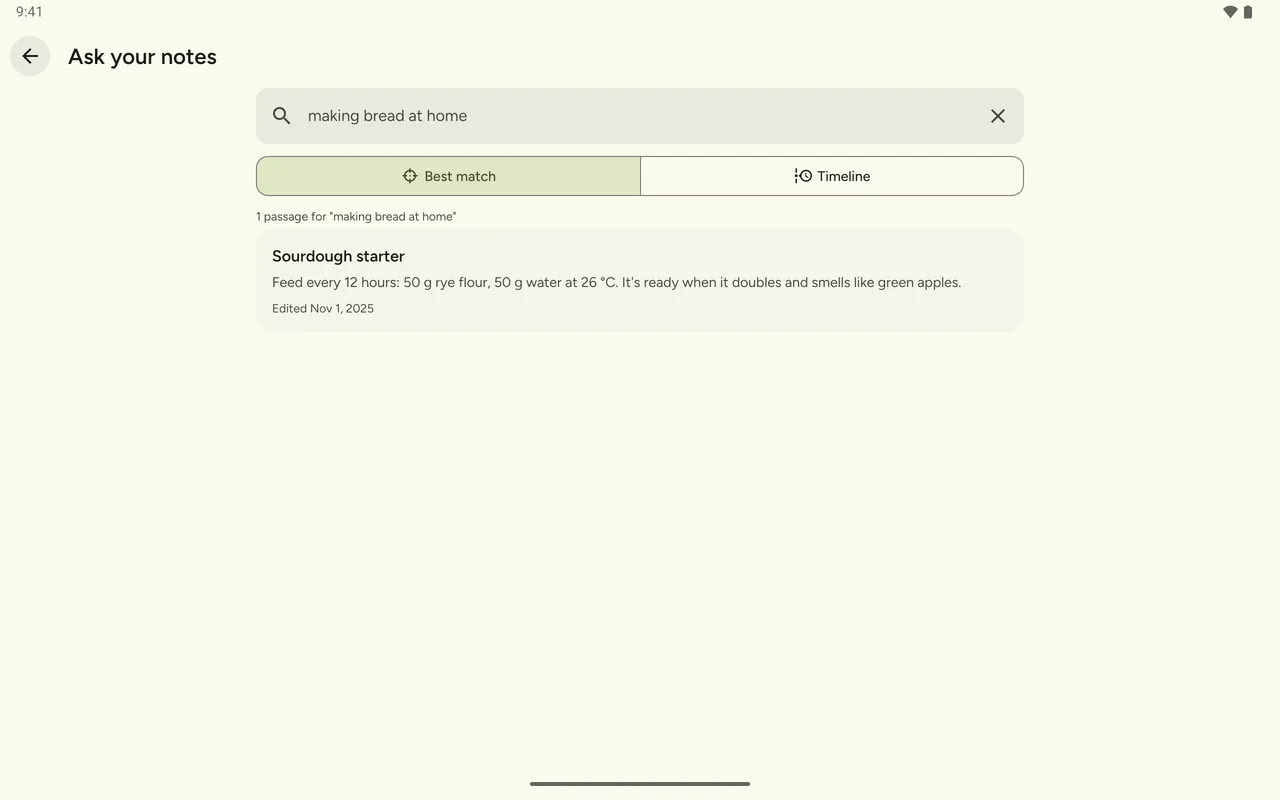
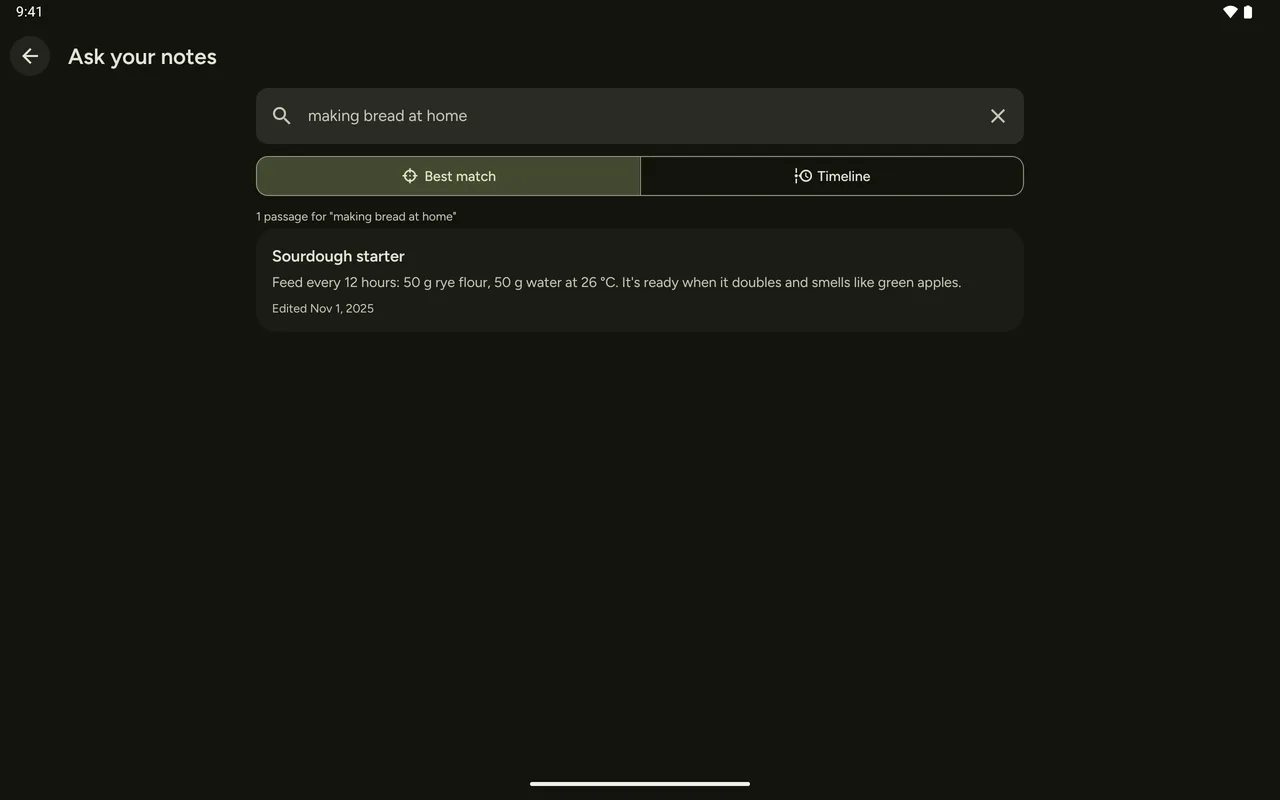
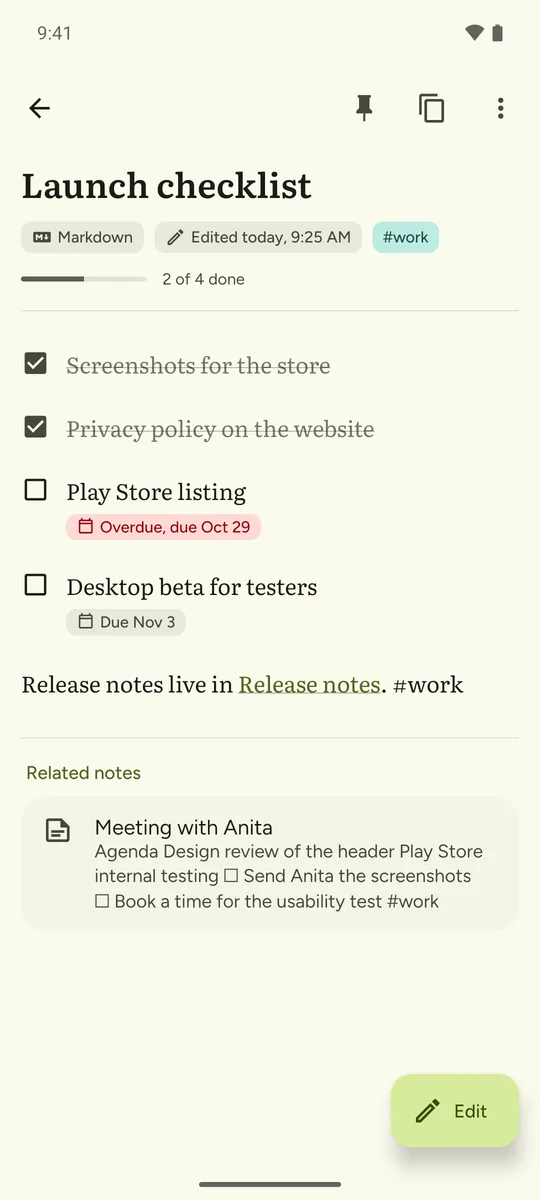
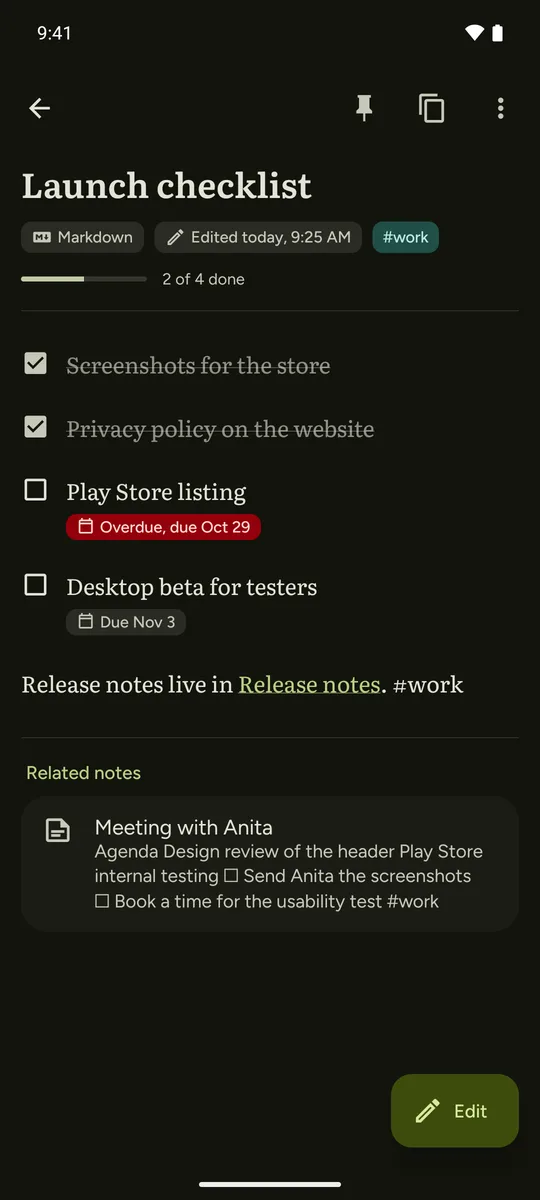
NoteSpark is a calm notes app for Android and your computer. Write in plain text or Markdown, keep tasks inside your notes, and find anything by what it means. There's no account and no cloud: everything stays on your device.
Free and open source (GPLv3). Download the Android APK or the Linux AppImage from GitHub releases. Google Play is coming.
- No account to create
- No ads, analytics or tracking
- Works without an internet connection
- Search by meaning runs on your device
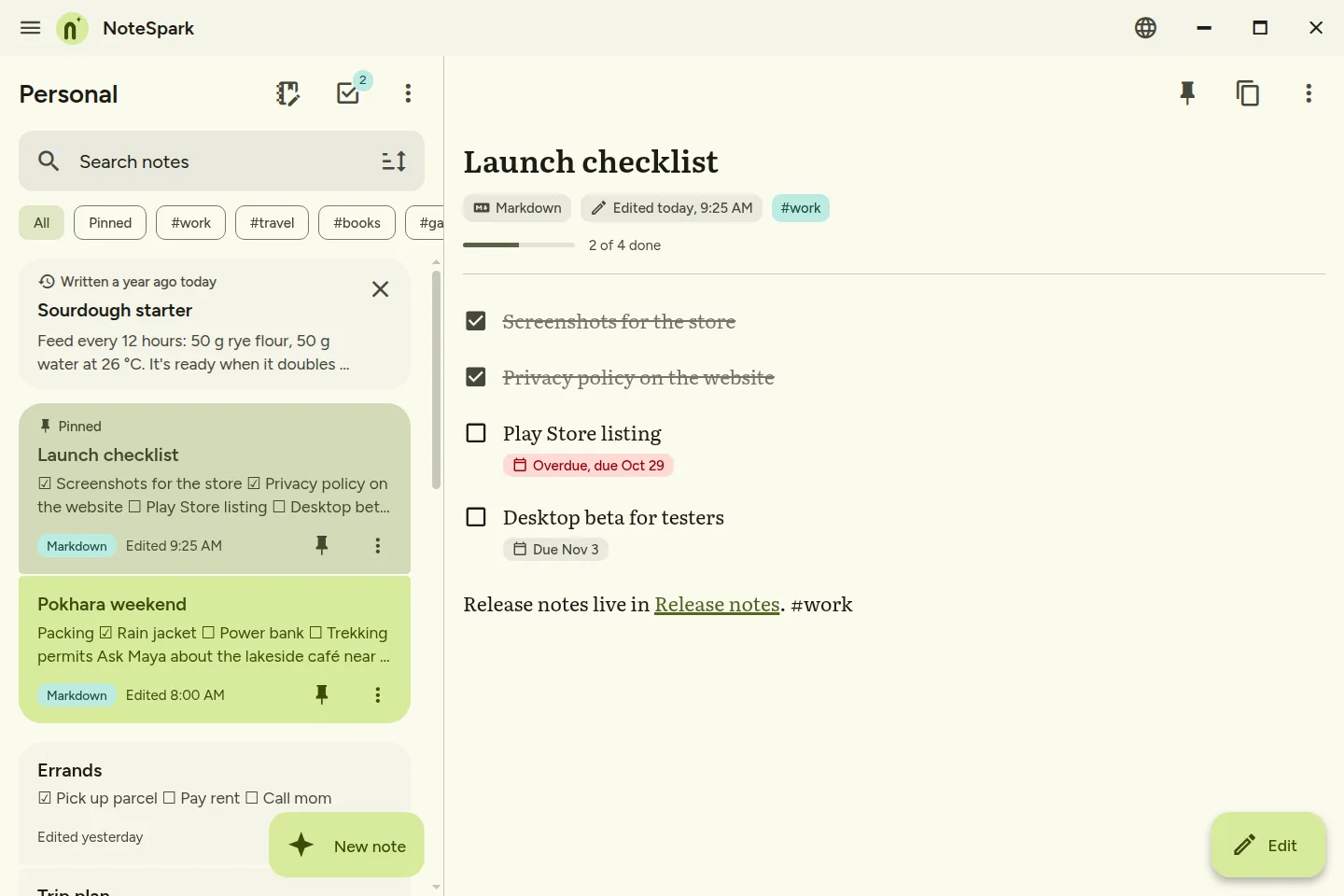
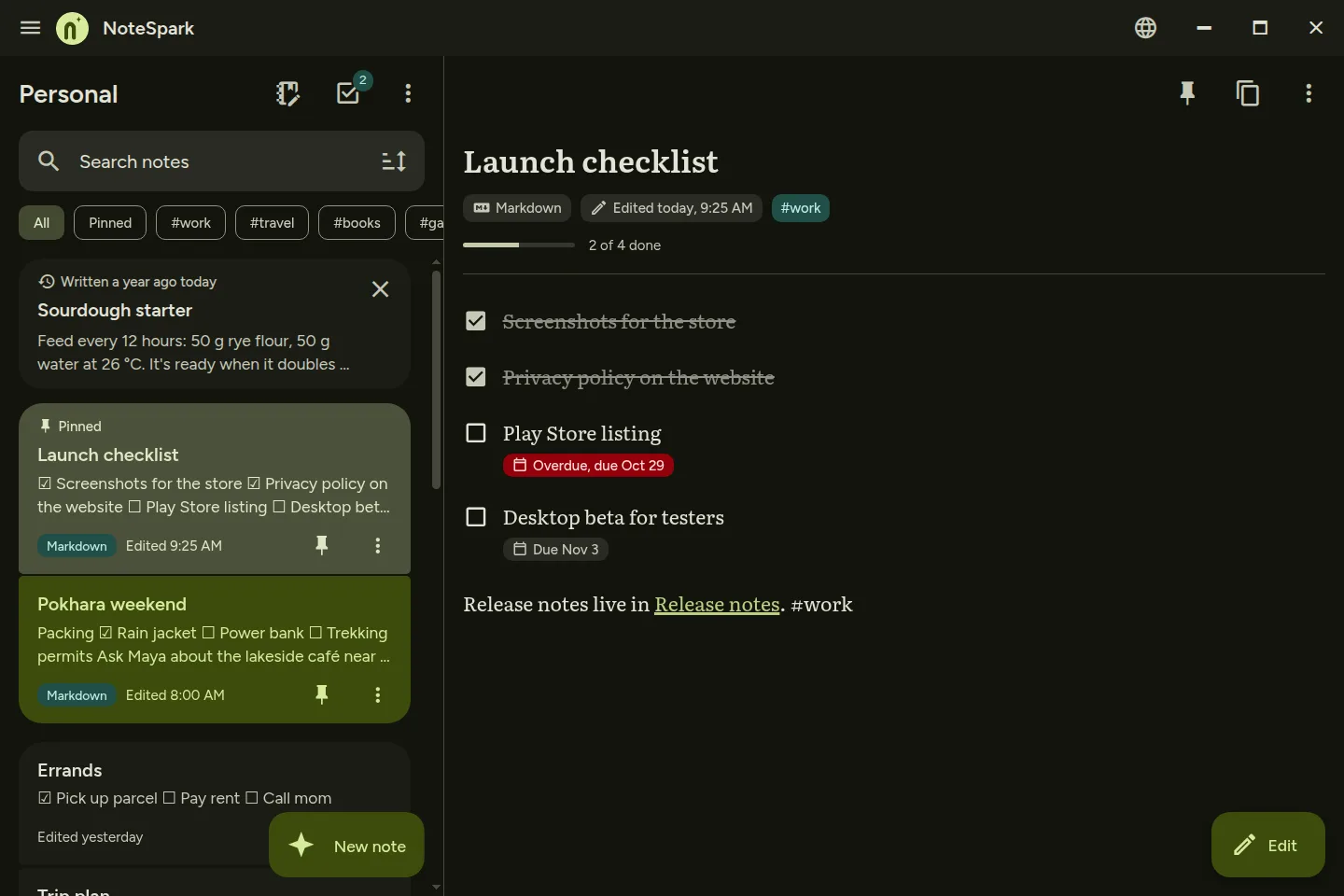
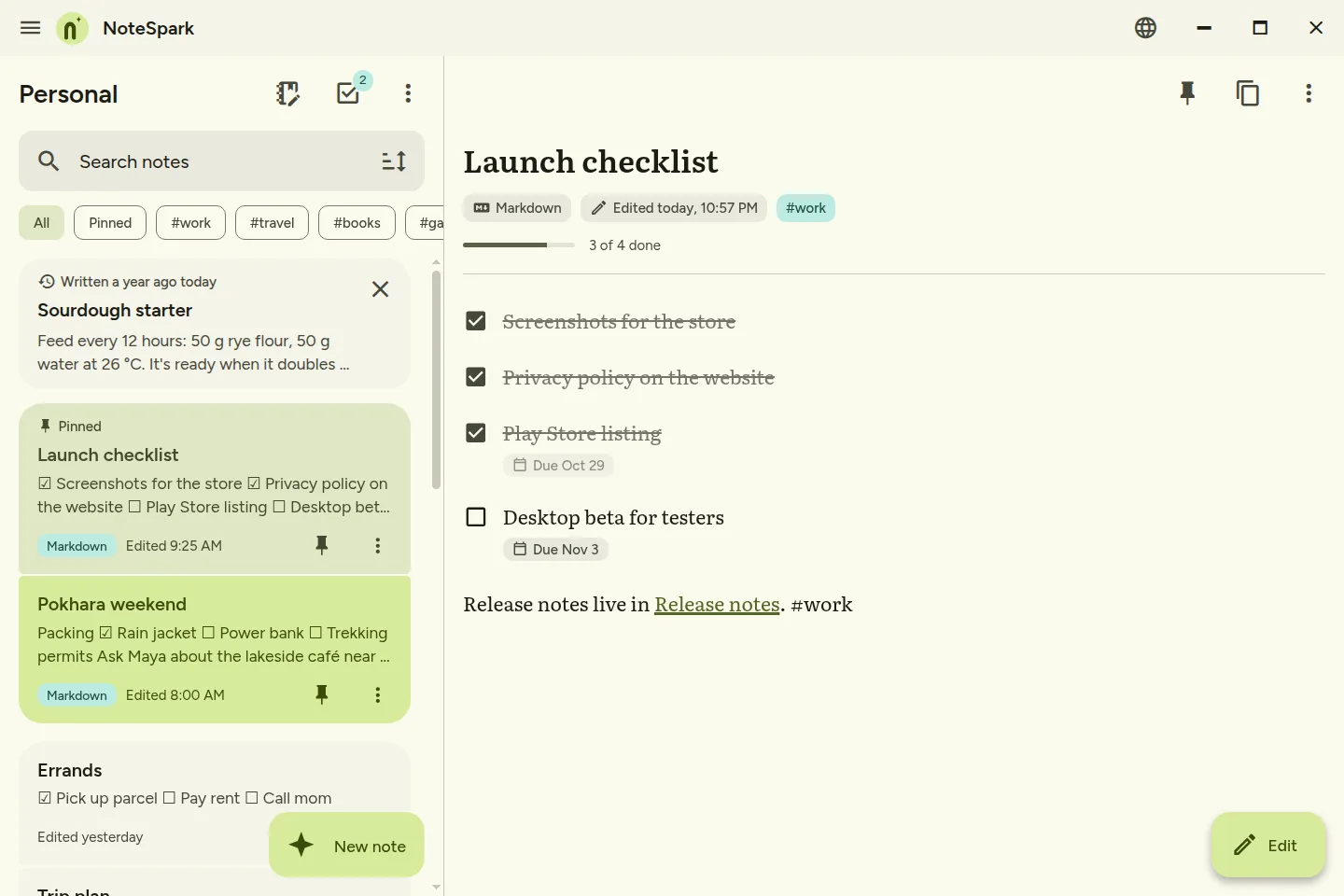
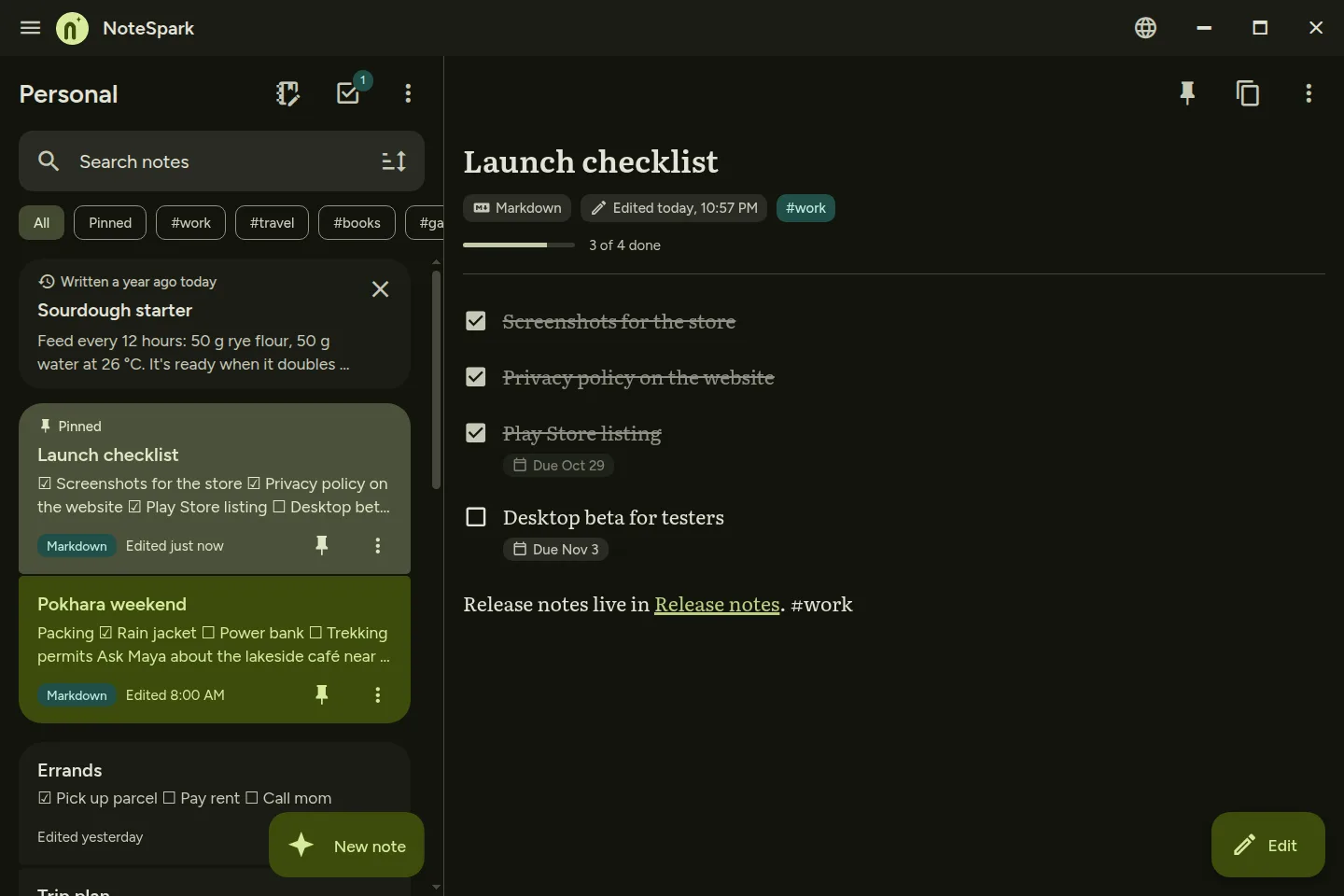
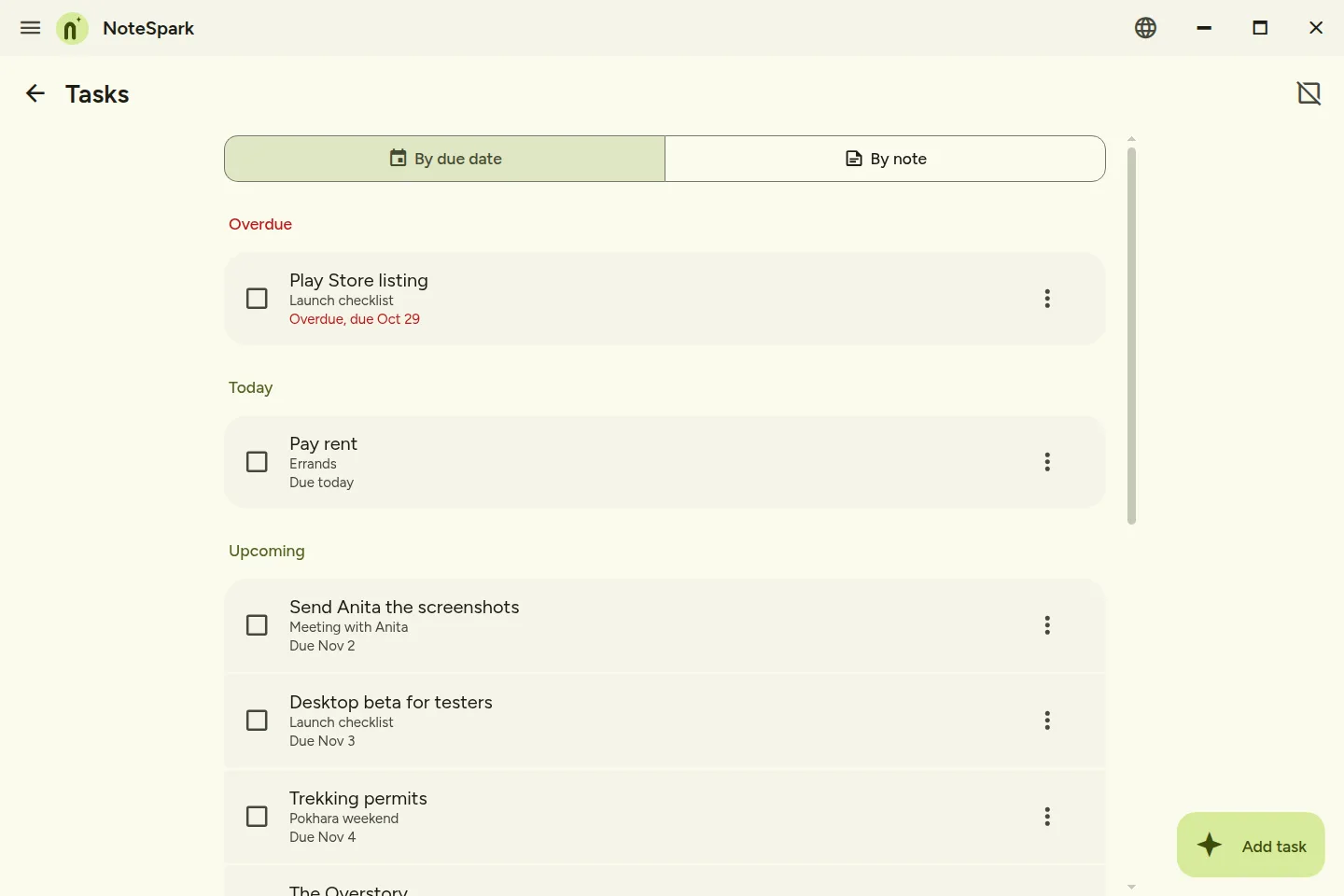
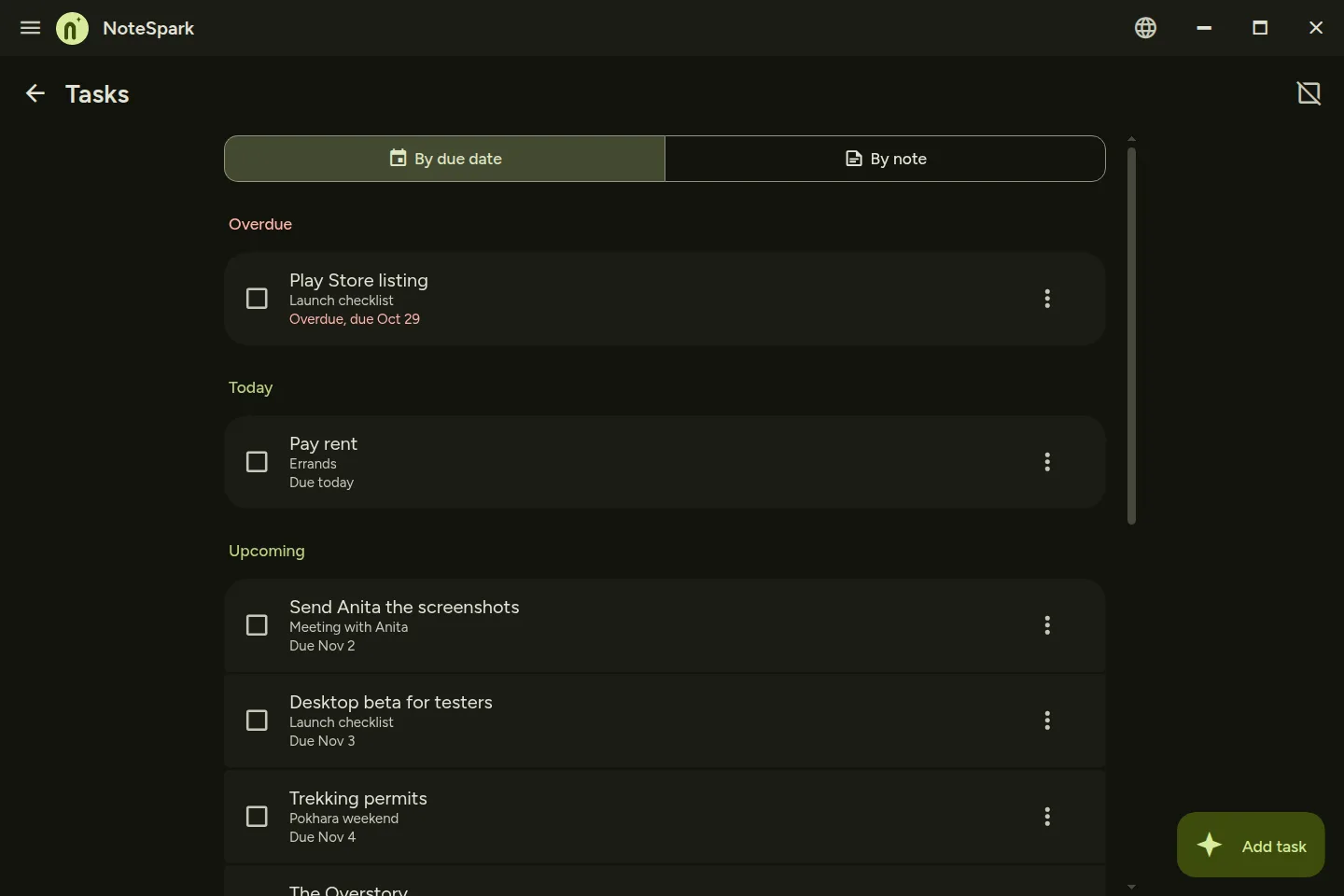
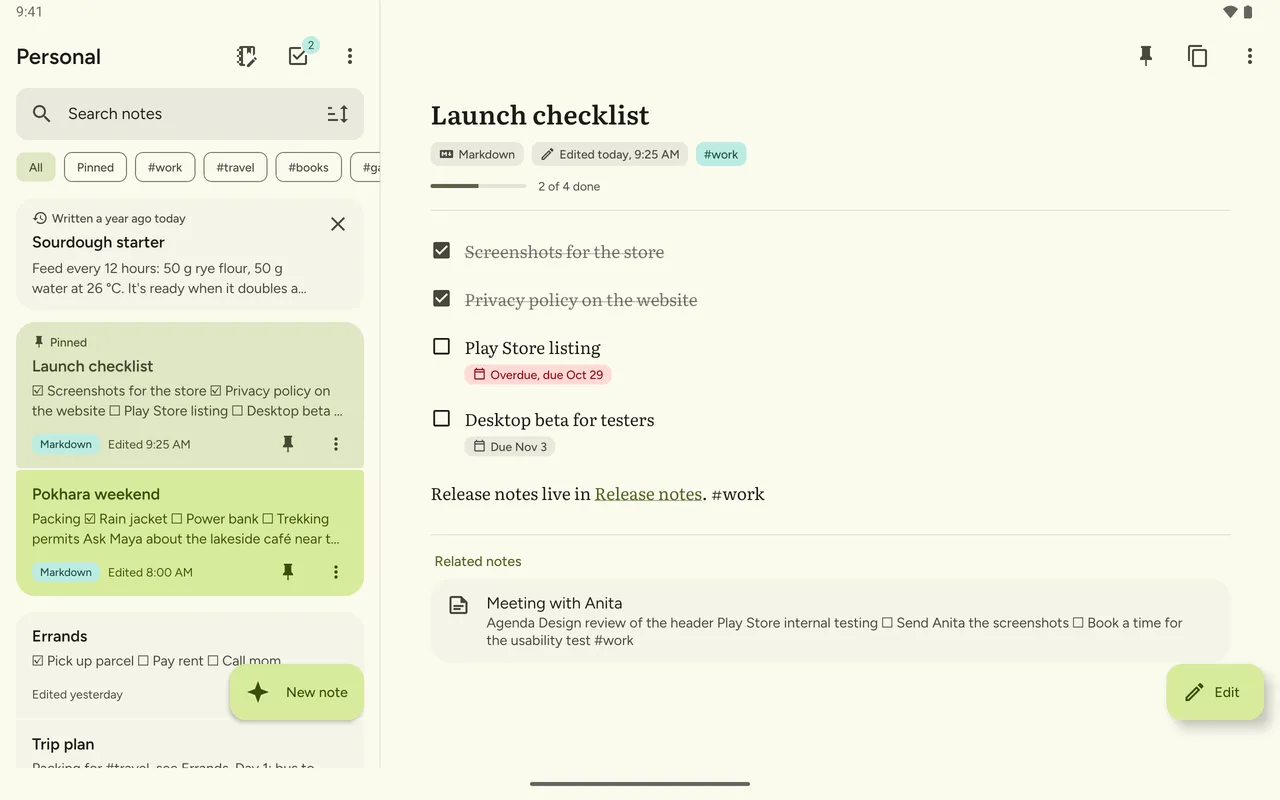
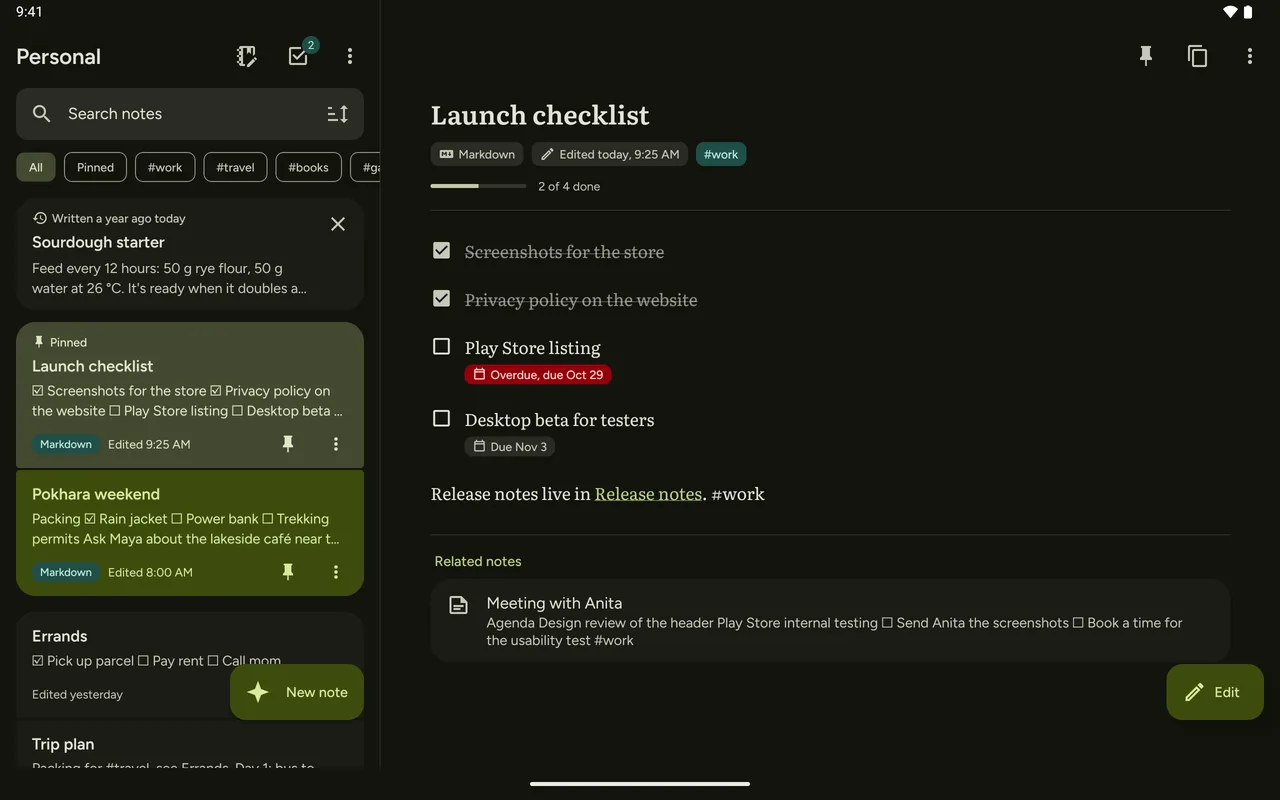
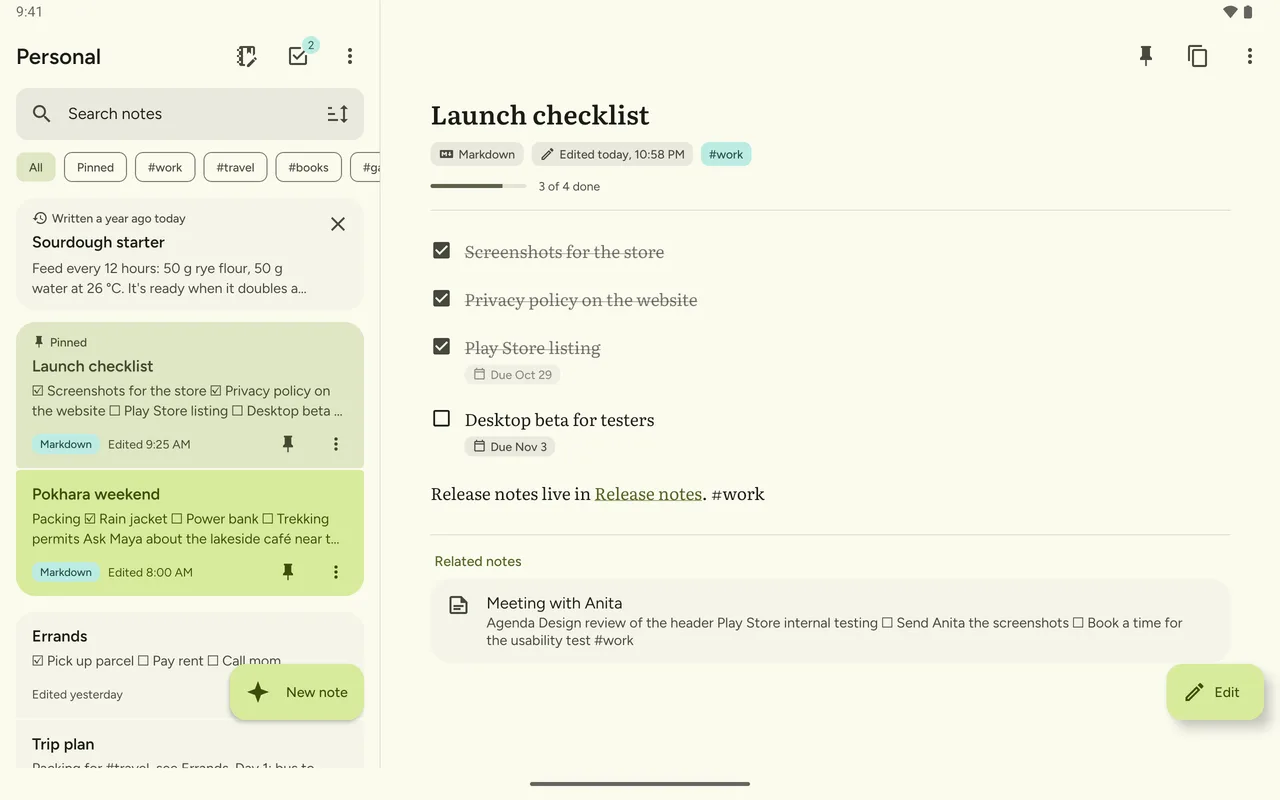
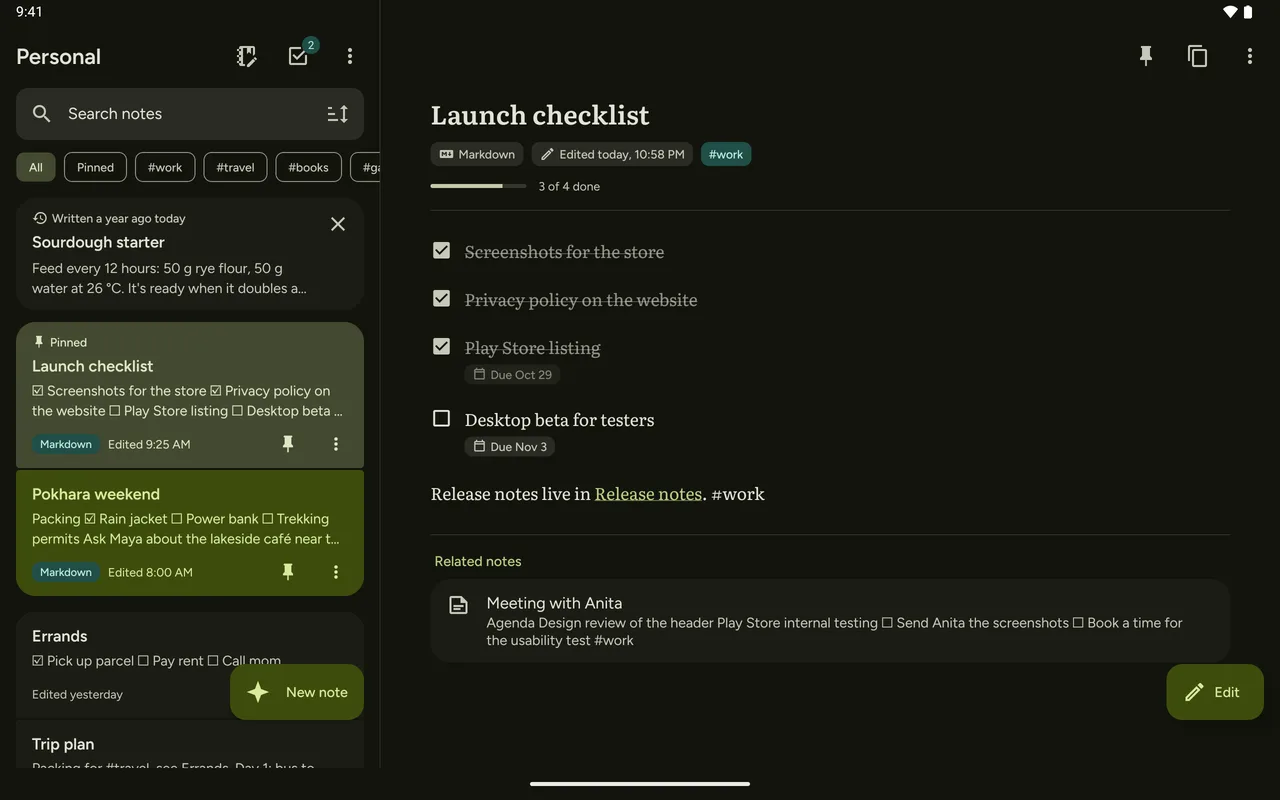
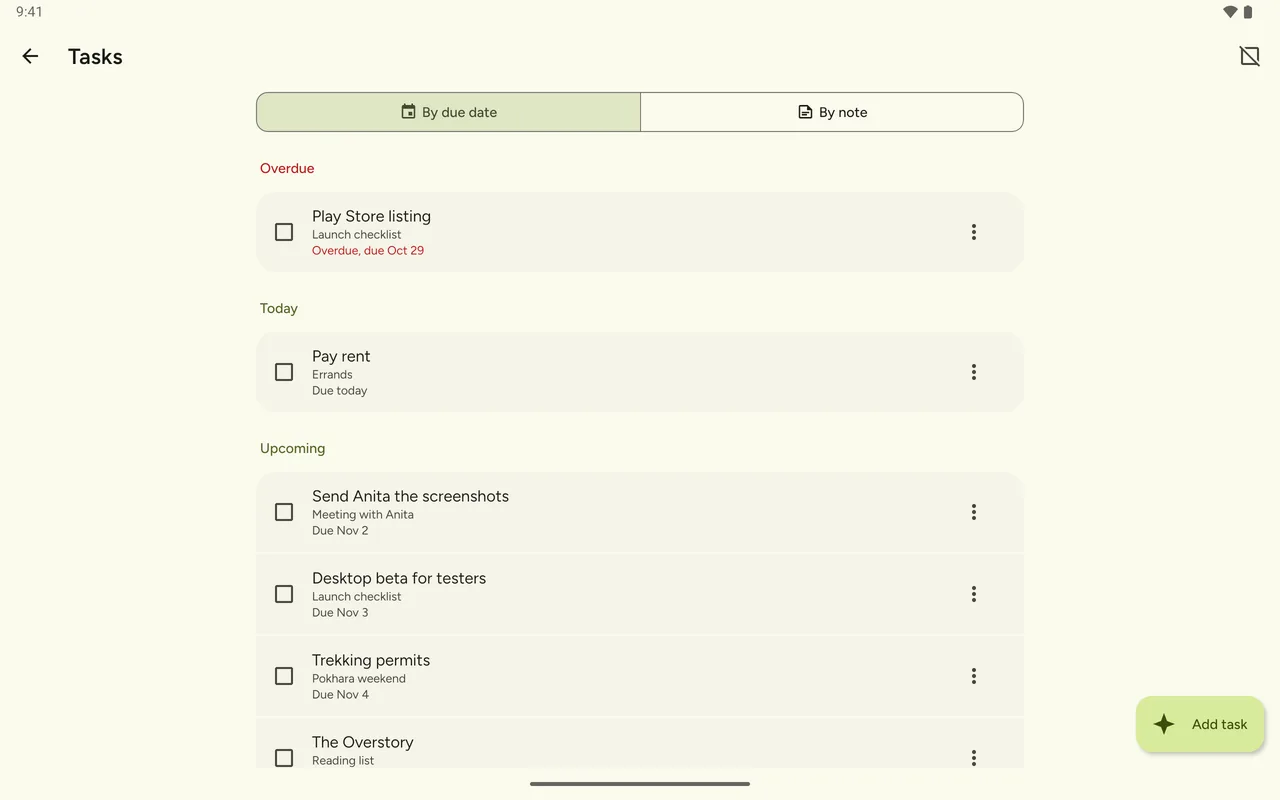
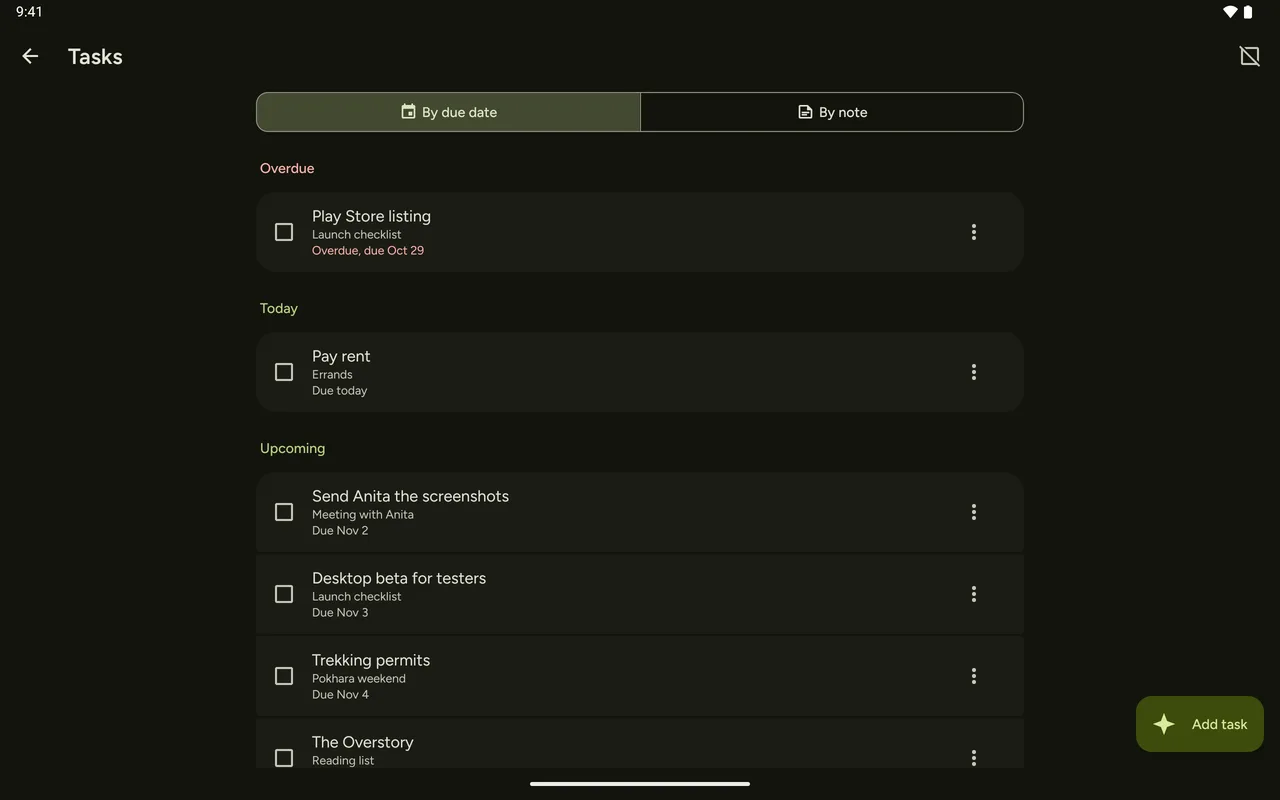
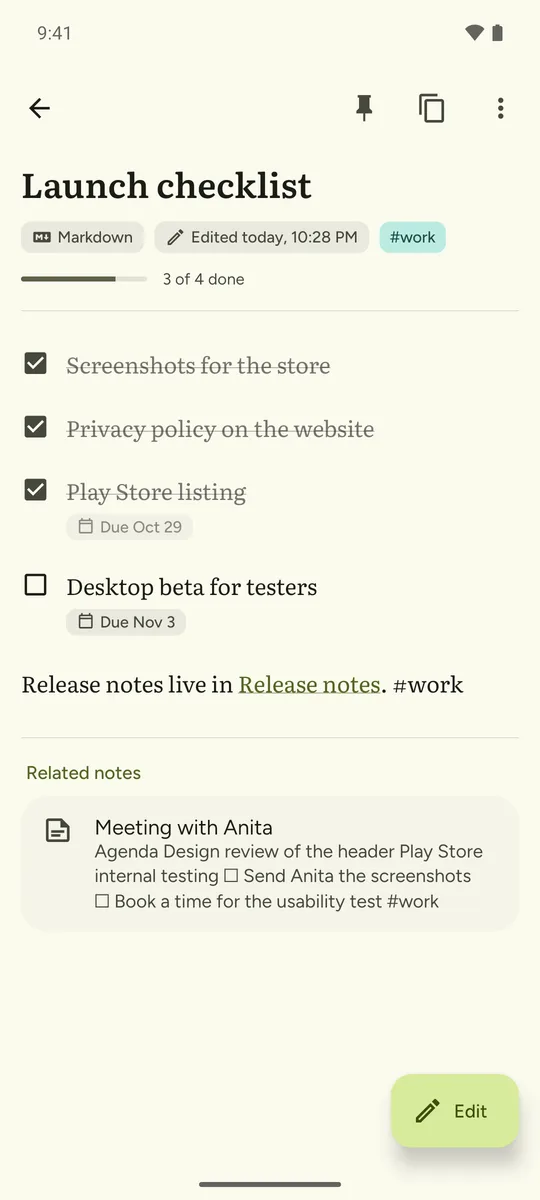
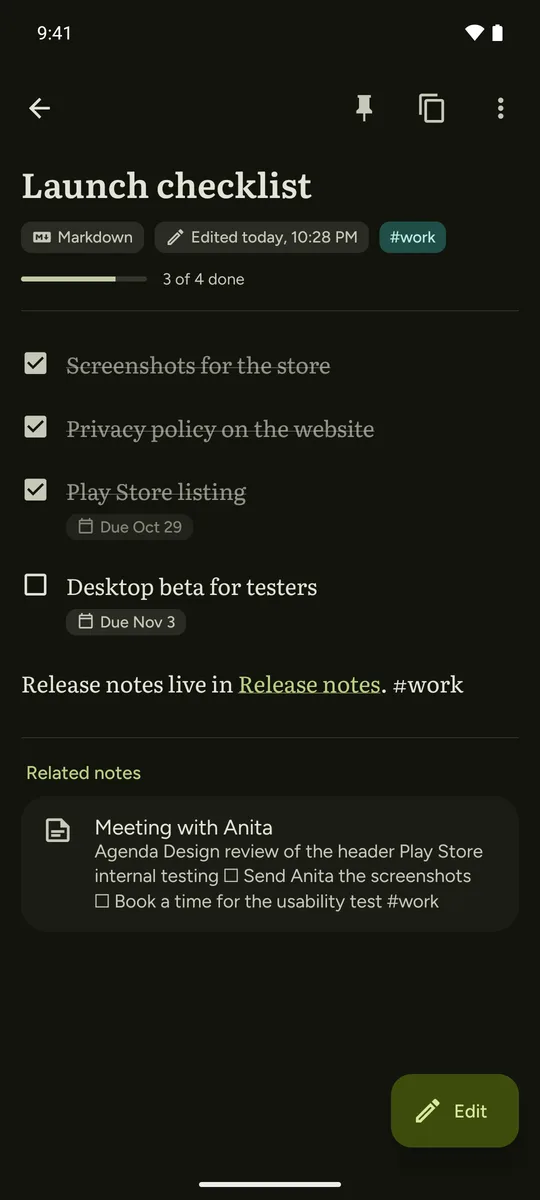
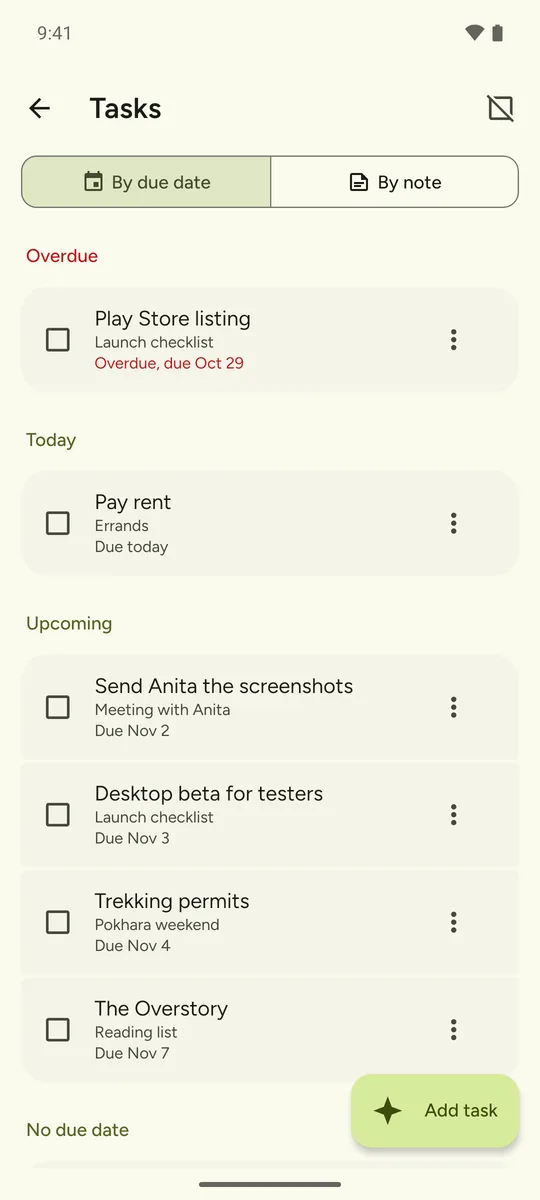
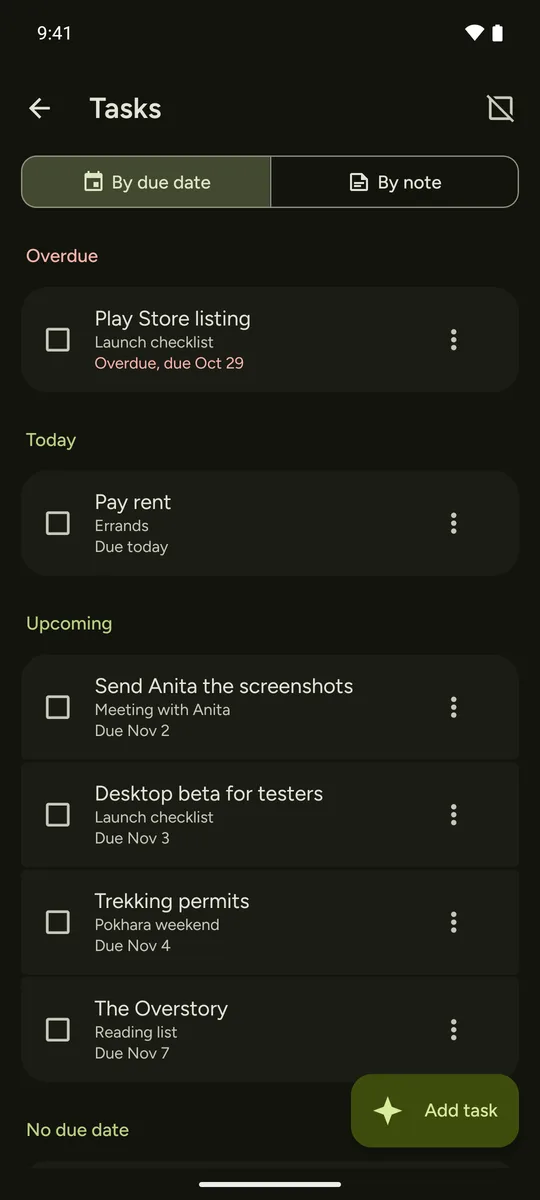
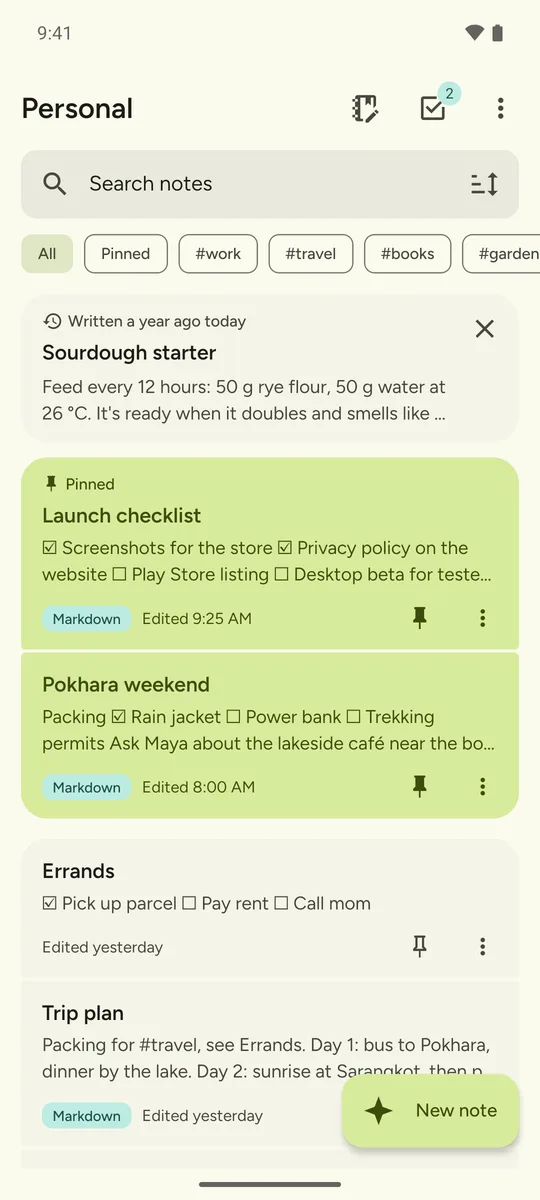
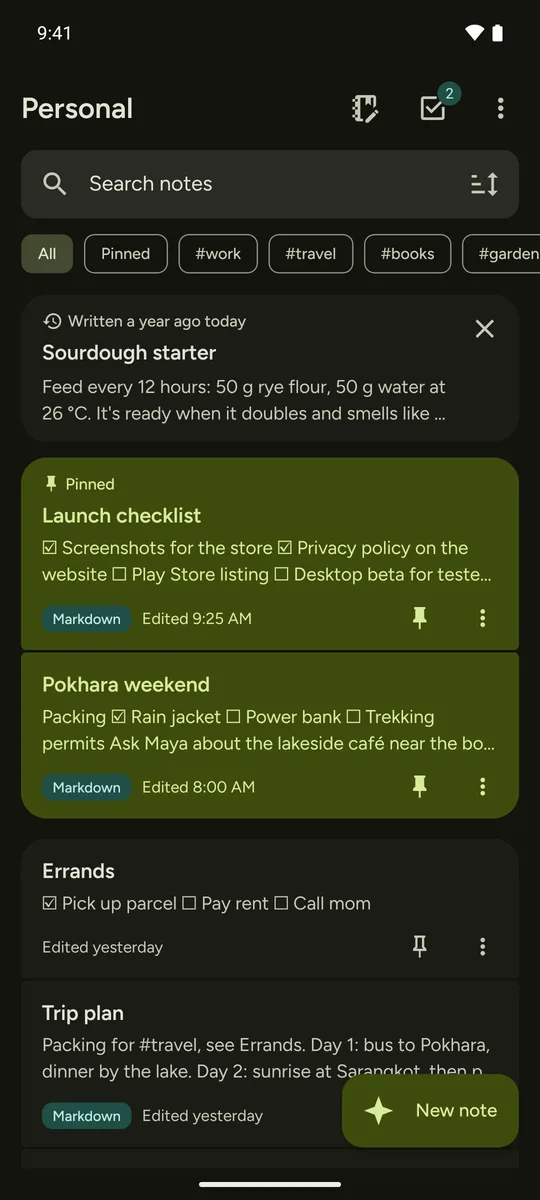
See it in two minutes
Writing, tasks, search by meaning, and the same notes on a phone, a tablet and a computer. There is no sound, and everything on screen is captioned.
What it does
Quick to write in, calm to read, and nothing you'd miss from a cloud notes app. Scroll to see each part on a computer, a tablet and a phone.
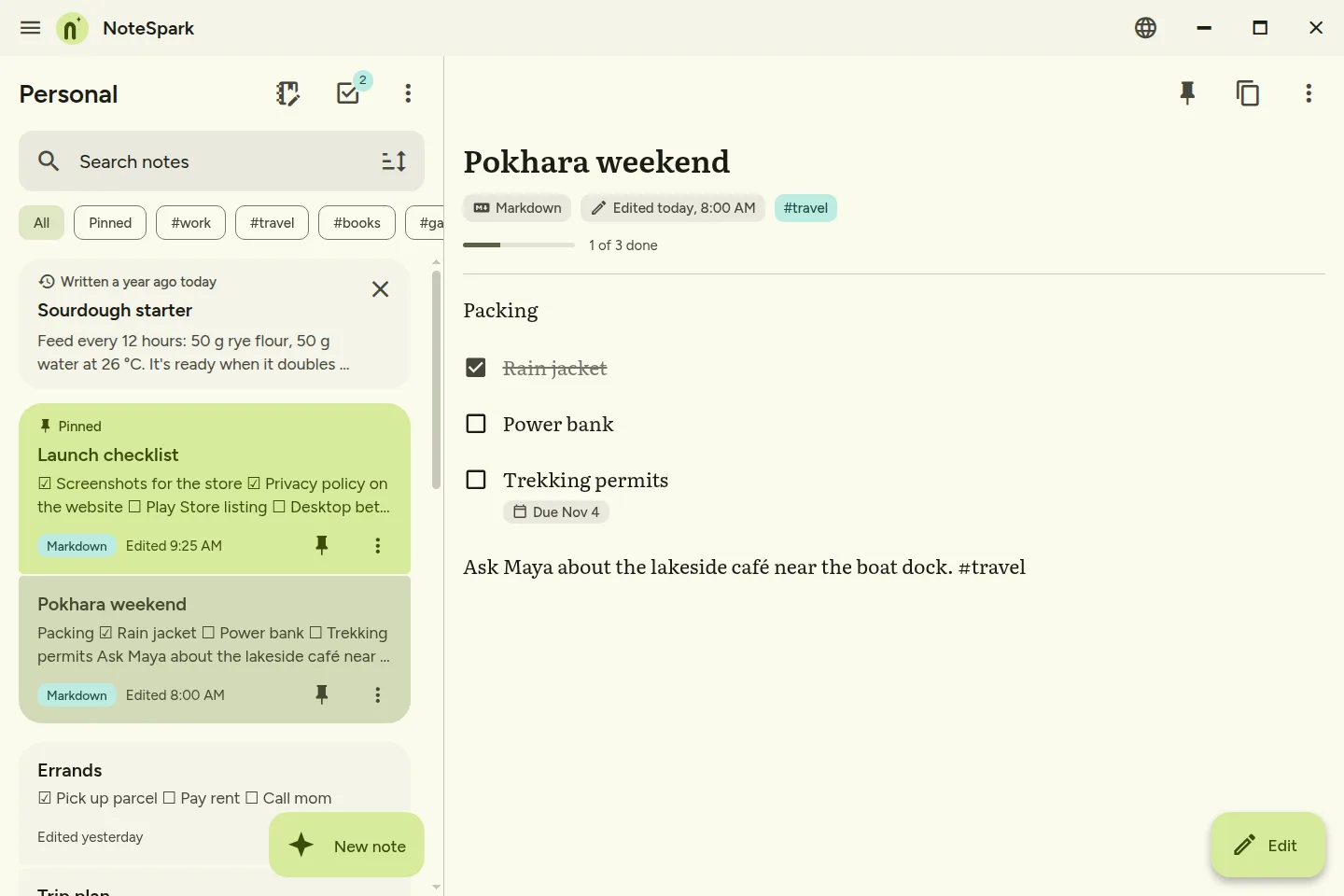
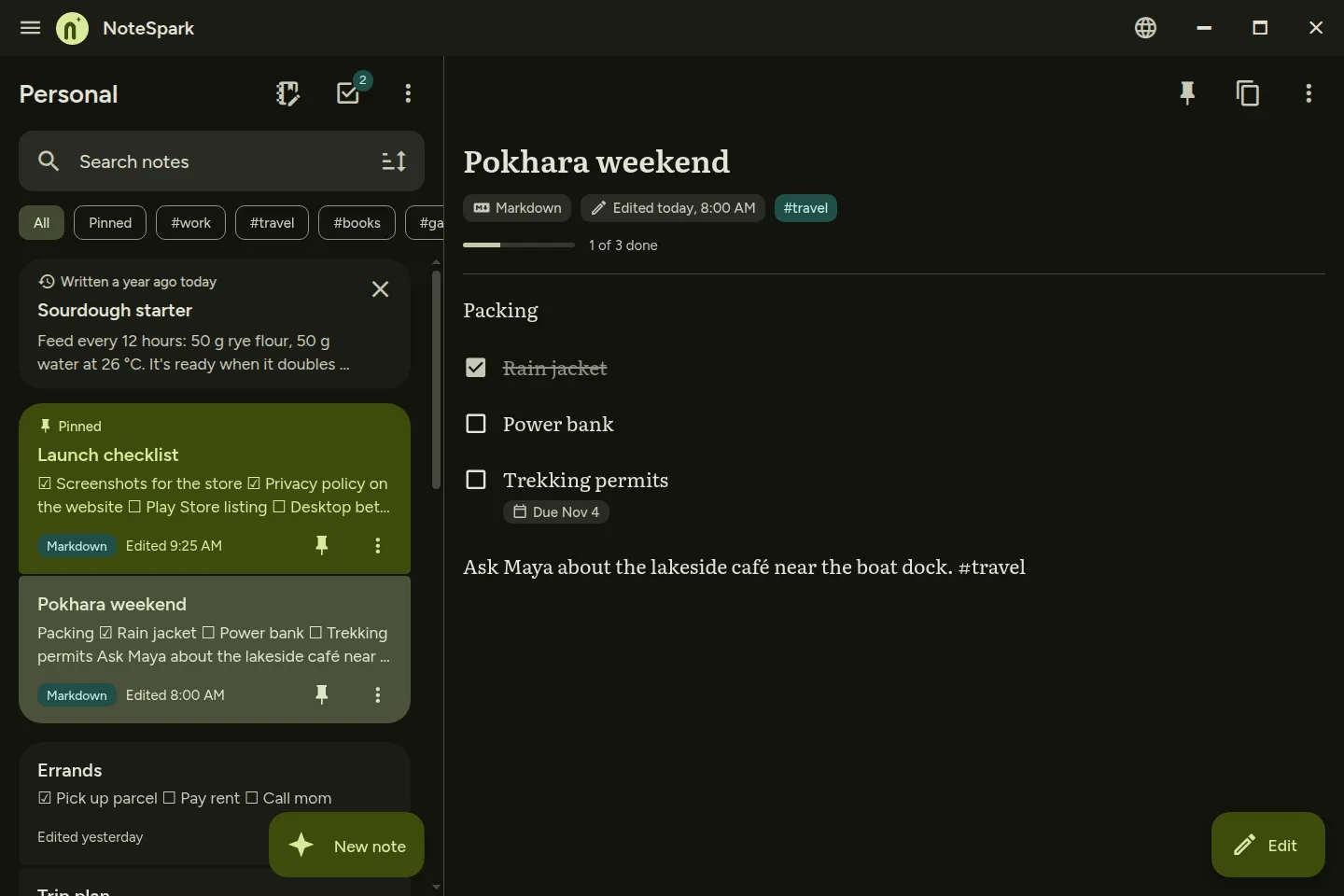
-
Write
- Plain text or MarkdownPick per note, with a preview. Headings, lists and links are on the toolbar.
- Undo, redo and historyEvery save keeps the version before, with what changed marked.
-
Tasks
- Tasks inside your notesStart a line with
- [ ]. Adddue:2026-11-01for a reminder, orevery:weekto repeat it.
-
Find
- Search by meaningA small model on your device finds notes about the same idea, even when the words differ.
- Links and tagsLink notes with
[[Note title]]; renaming a note updates its links. Filter Home by#tag. - Find in a noteJump between matches in long notes, straight from a search on Home.
- RediscoverOne older note a day on Home, written on this date or close to what you're working on.
-
Private by design
- No internet requestsNo accounts, analytics, crash reports or update checks. Optional sync between your own devices stays on your own network.
- Profiles with a PIN or fingerprintKeep Personal and Work apart. Locked profiles are encrypted on your device.
- Locks again when you leaveAfter a minute in the background, a locked profile asks for its PIN.
-
Never trapped
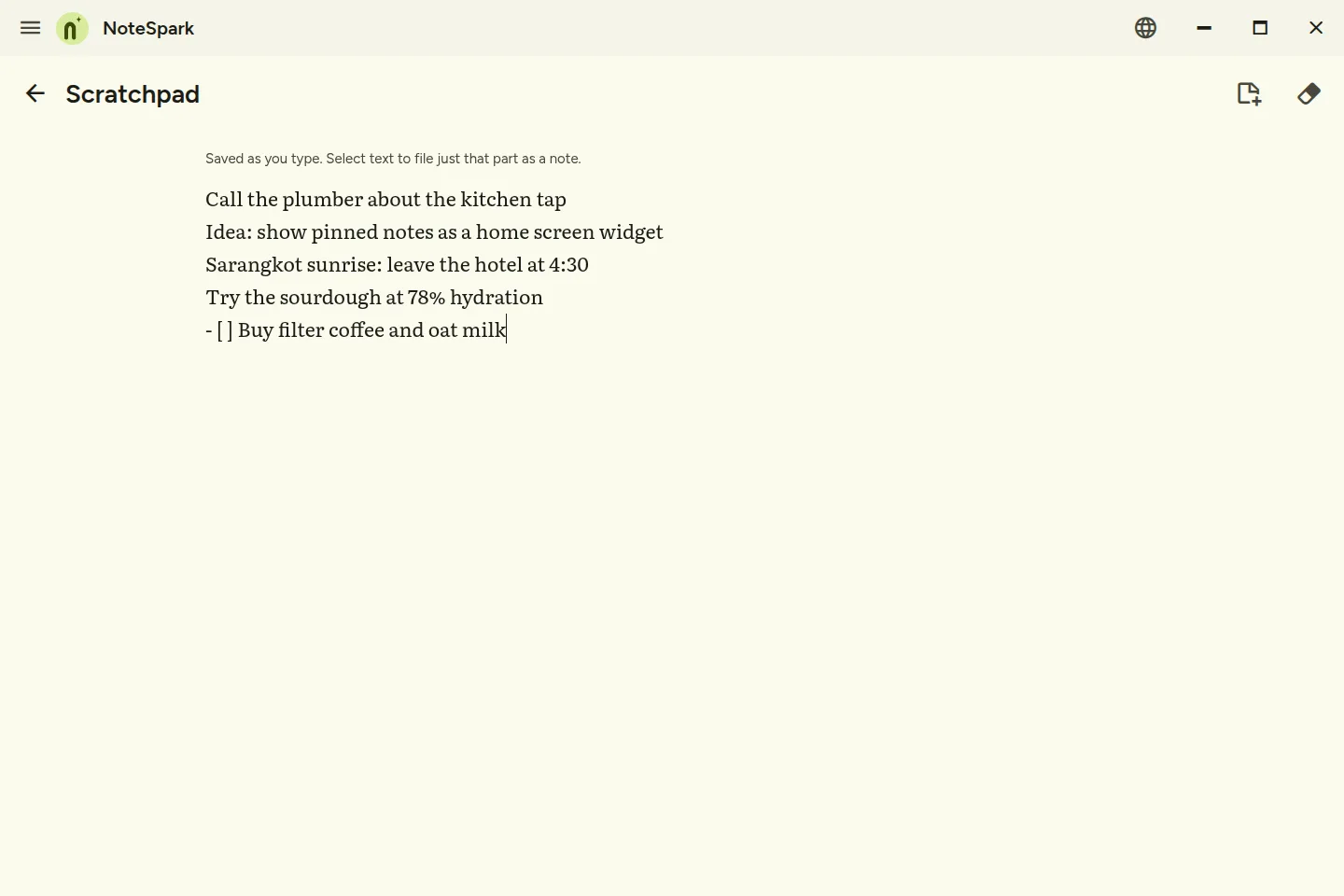
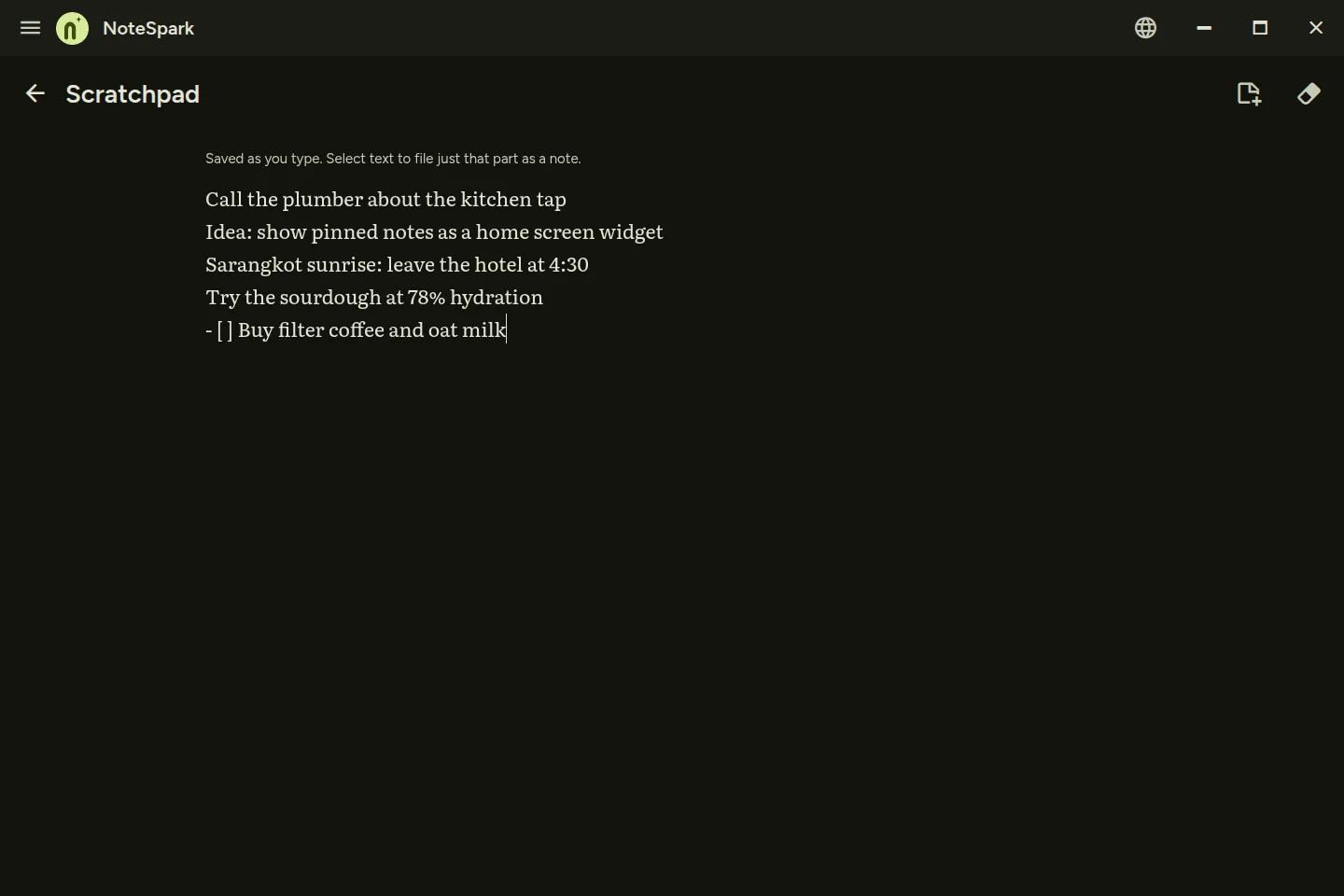
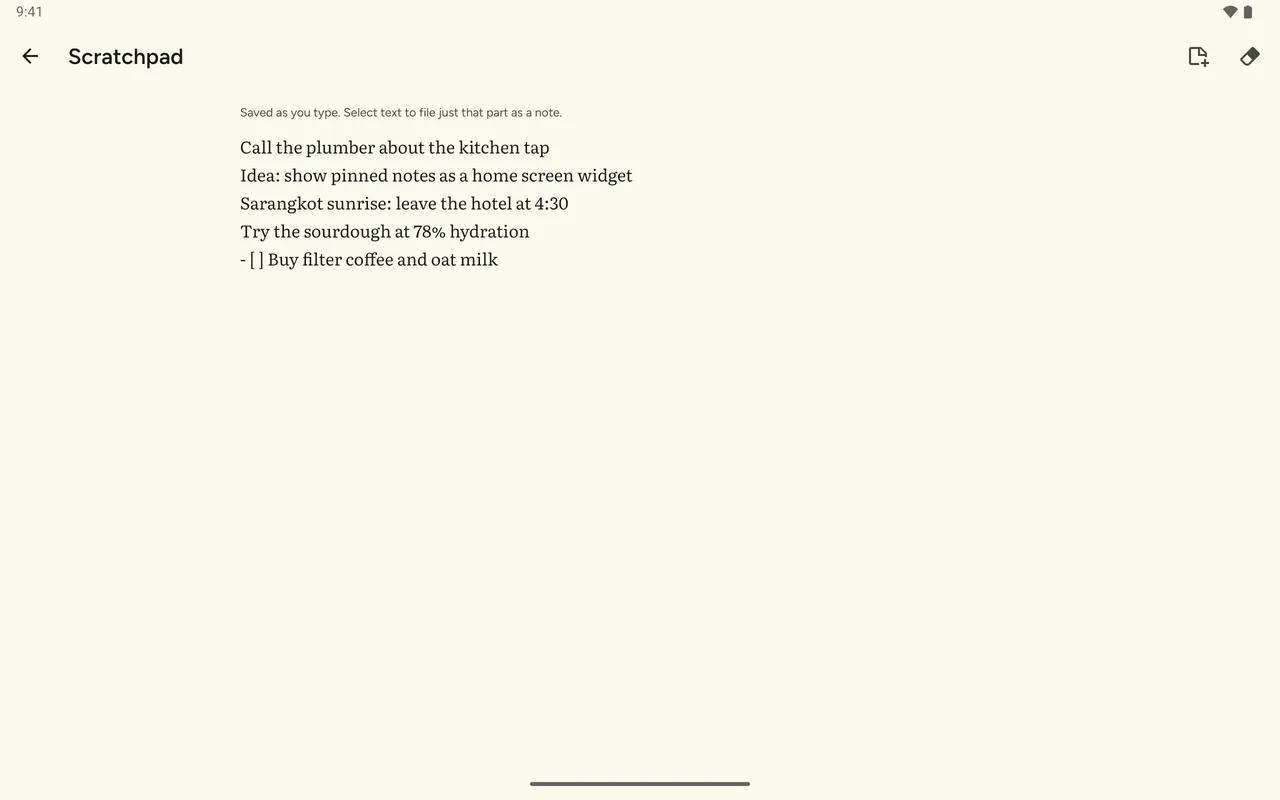
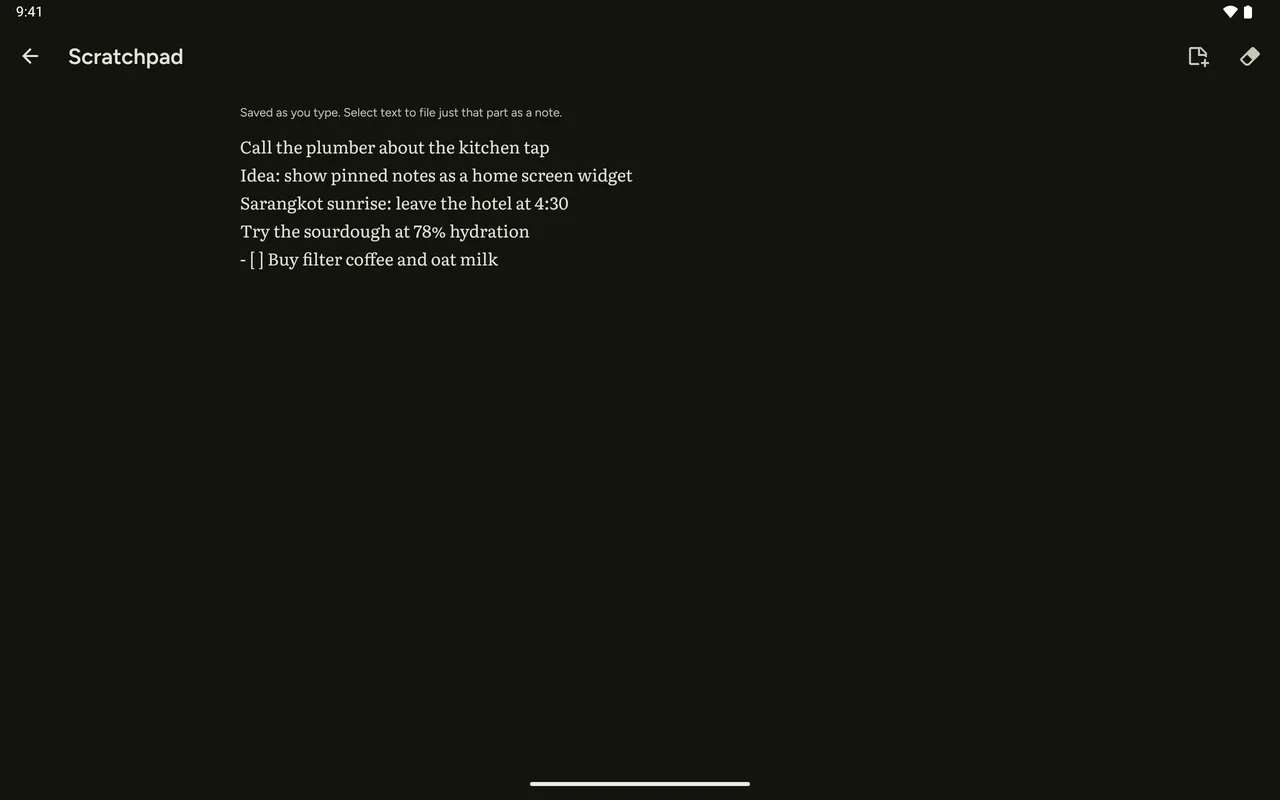
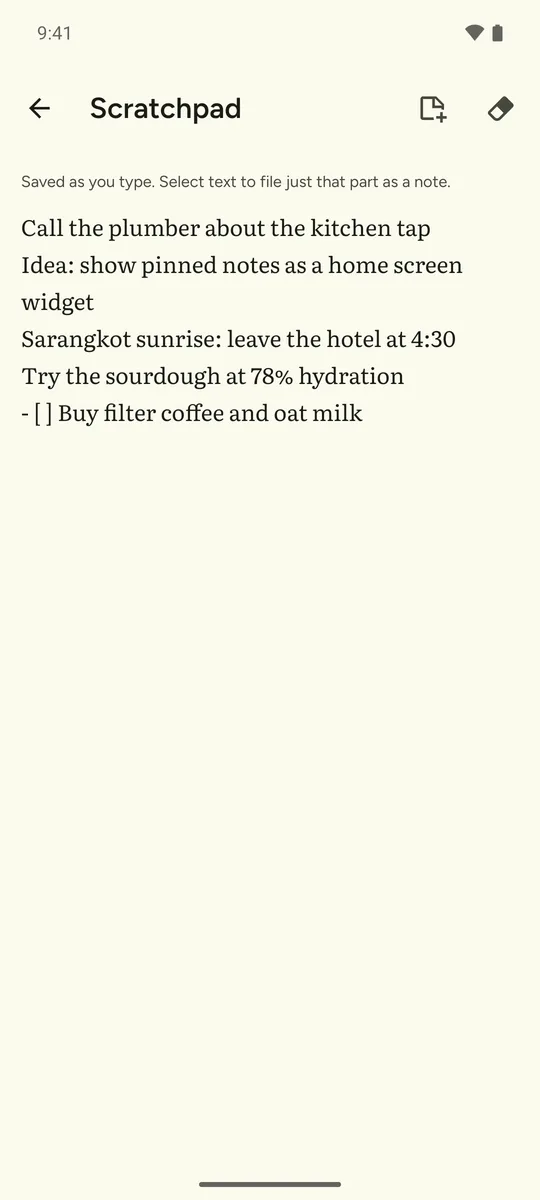
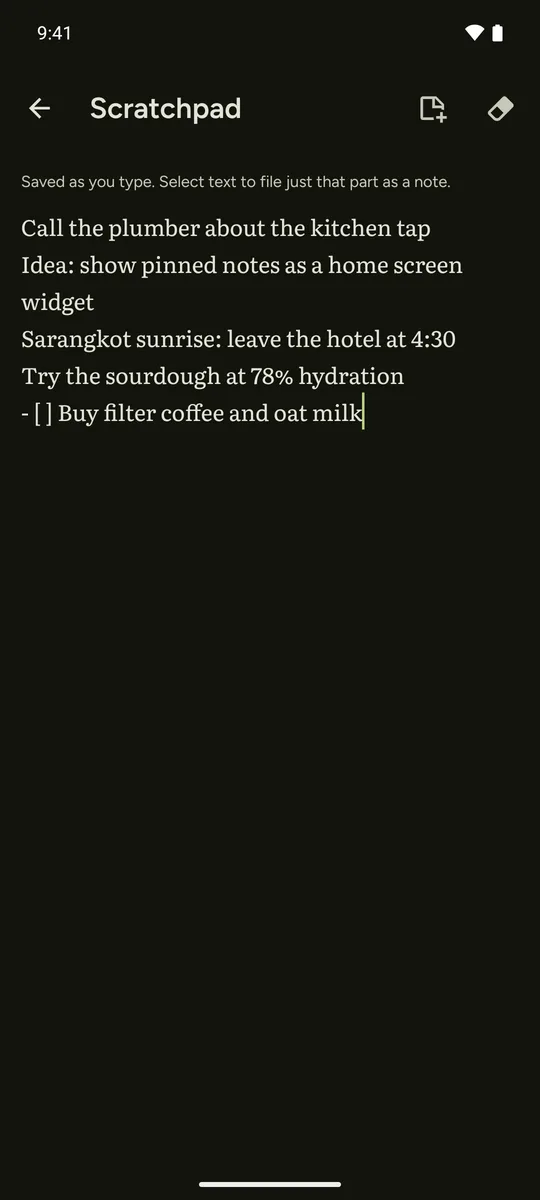
- A scratchpadOne per profile for quick thoughts. File a line as a note when it's ready, or clear it.
- Markdown in and outExport one note or all of them as Markdown. Import Markdown, text or zip files from other apps.
- Automatic backupsDaily or weekly to a folder you pick, keeping the last five.
- Quick captureOn Android: share text from any app, long-press the icon for New note, or use the home-screen widget.
Download NoteSpark
Pick your device. GitHub releases come first, so you can have it before the stores. Each format says whether it is ready.
-
APKInstall the file directly. Android may ask you to allow installs from your browser or files app. It does not update itself: download the next version when you want it. It is signed differently from the Play version, so you can't switch between the two without uninstalling first.
-
Google PlayUpdates through the Play Store, after the GitHub release.Coming soon
-
wingetThe easiest way: no extra steps, one command to install and update.Planned
-
Installer (.exe)64-bit installer.Planned
-
HomebrewThe easiest way: no extra steps, one command to install and update.Planned
-
Disk image (.dmg), Apple siliconFor Macs with M-series chips.Planned
-
Disk image (.dmg), IntelFor Macs with Intel chips.Planned
-
AppImage64-bit. One file, no install. Mark it executable with
chmod +x, then open it. It does not update itself. If it won't start on Ubuntu 22.04 or newer, installlibfuse2or run it with--appimage-extract-and-run.chmod +x NoteSpark-*.AppImage && ./NoteSpark-*.AppImage -
.debDebian, Ubuntu and relatives.Planned
-
.rpmFedora, openSUSE and relatives.Planned
-
.tar.gzUnpack anywhere. You may need
chmod +xon the app file before it opens.Planned
-
Docker hubA small hub for your home server that would sync your devices and keep every note as a Markdown file. An idea for later.Planned
Each release has a SHA256SUMS file so you can check your download. Releases are listed at github.com/Lusan-sapkota/NoteSpark/releases. Nothing is downloaded until you choose to.
Nothing leaves your devices
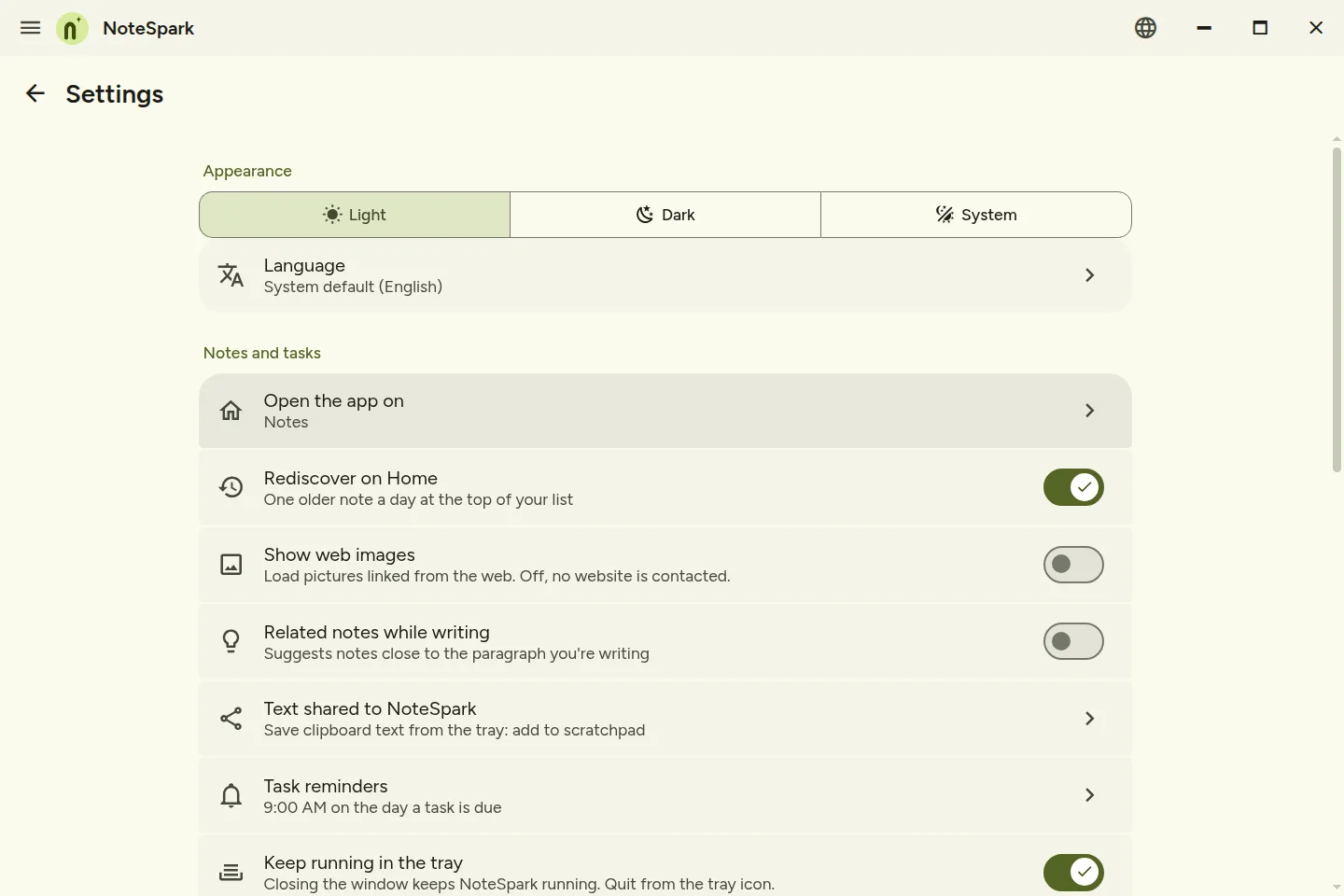
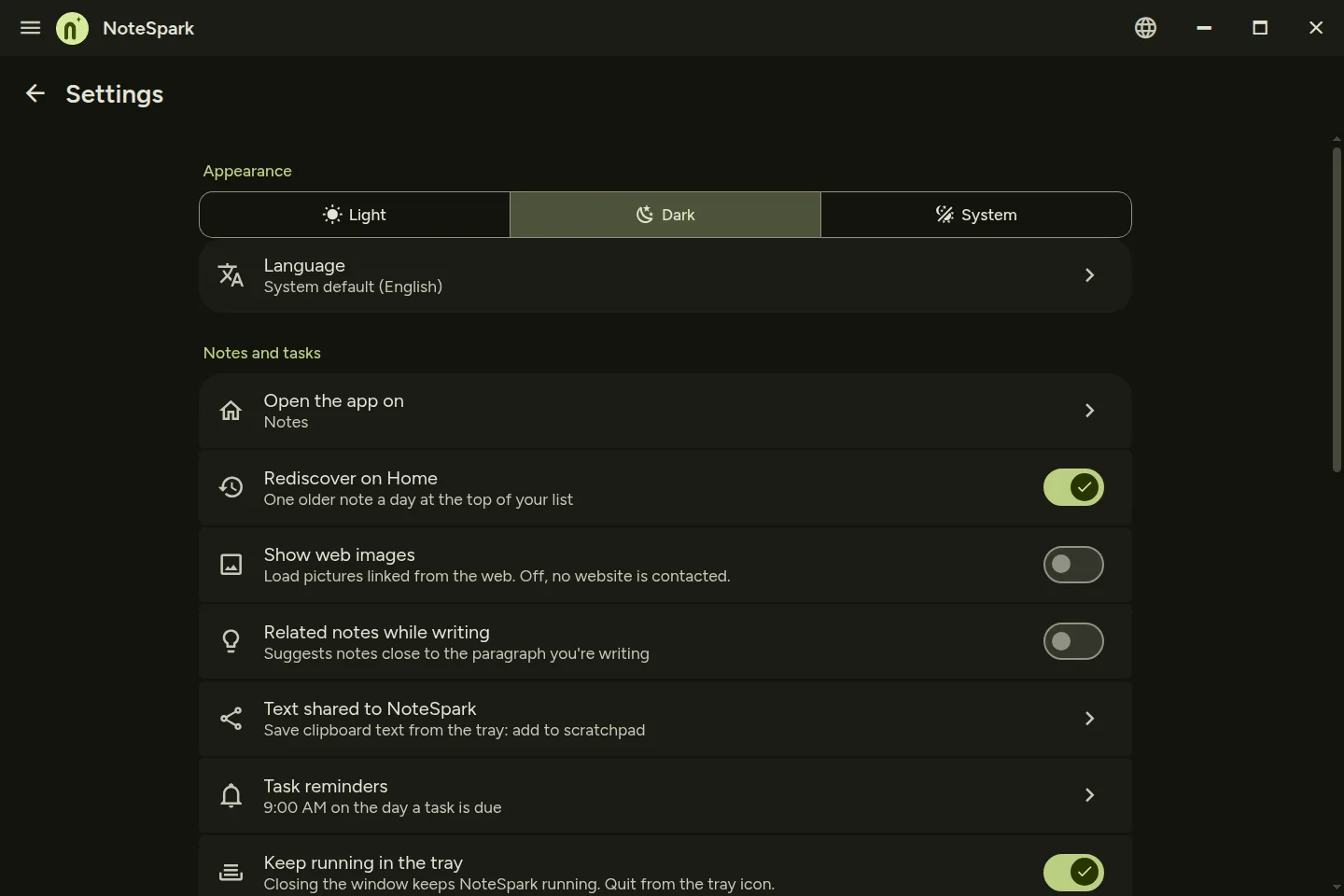
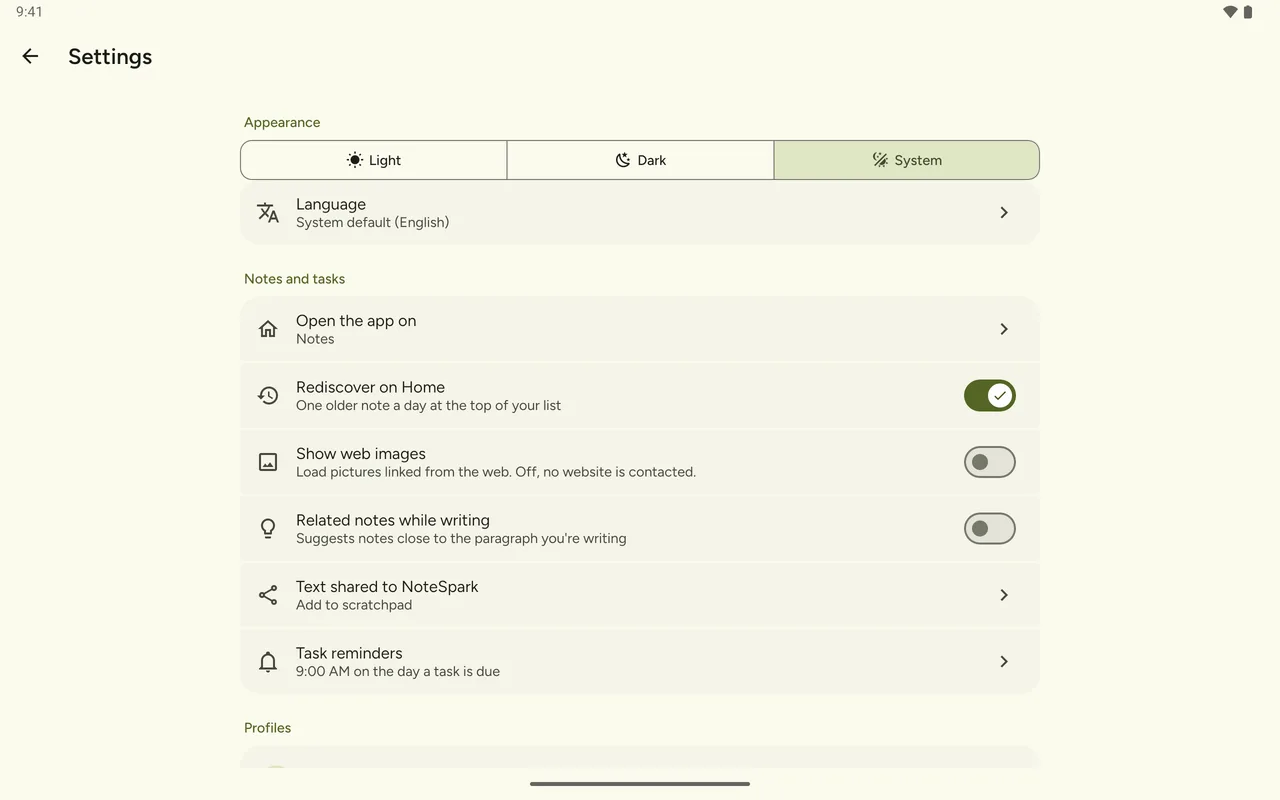
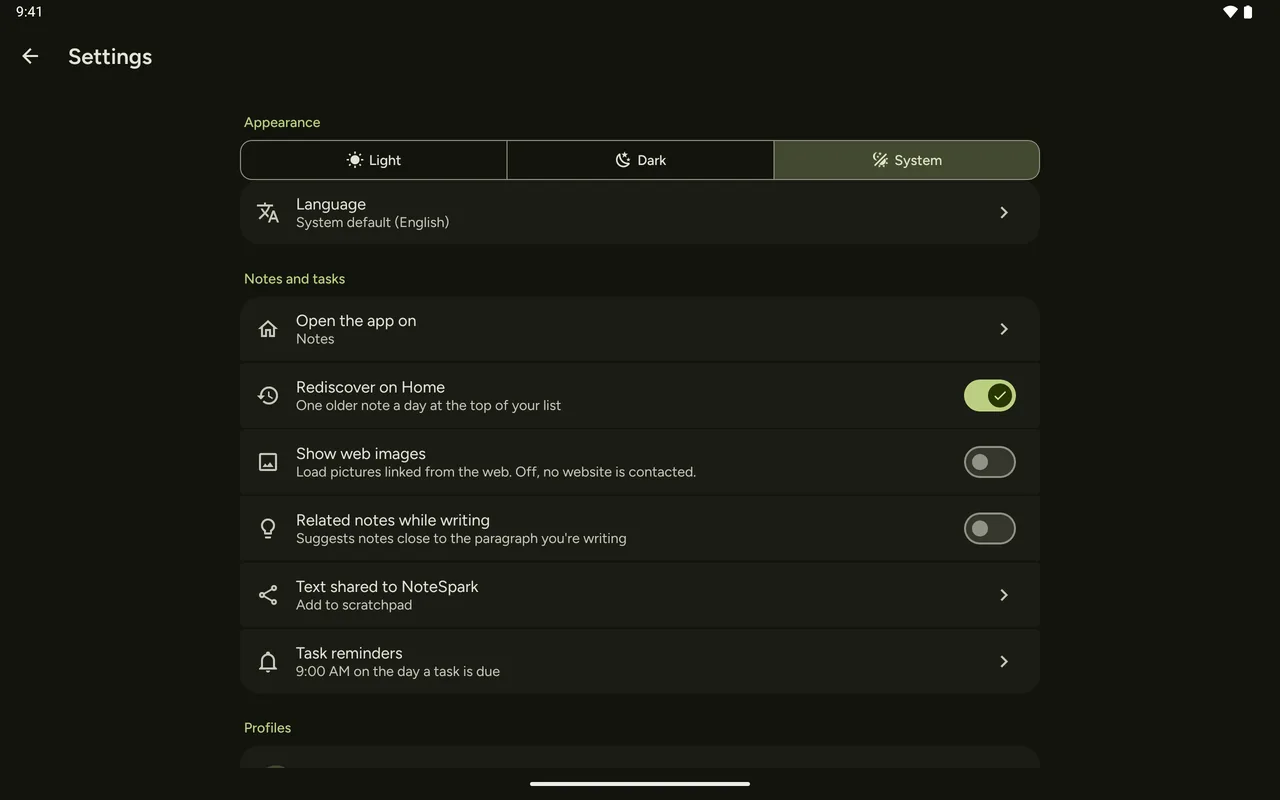
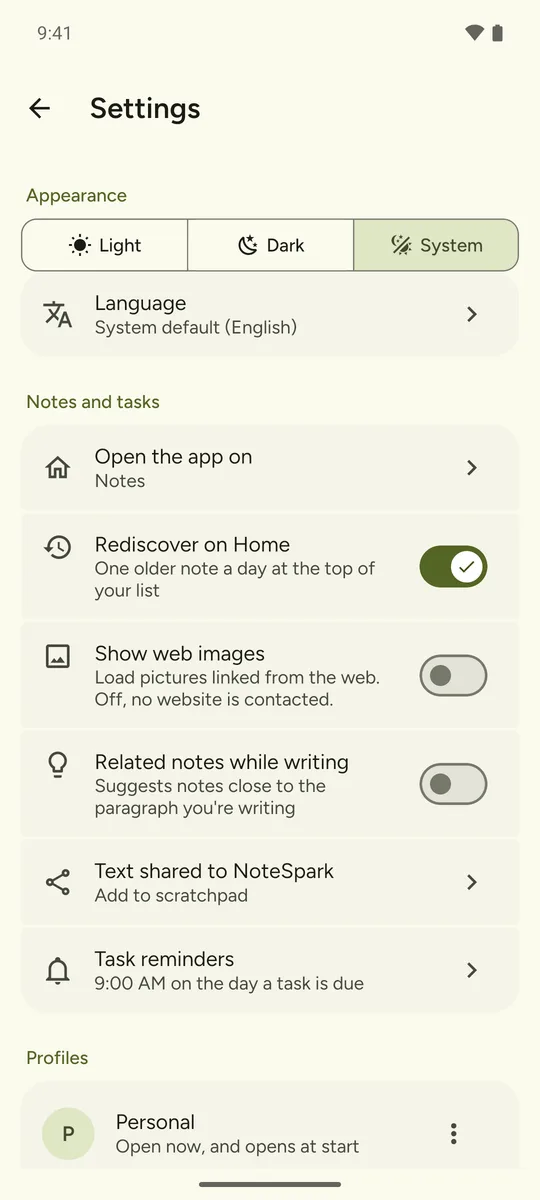
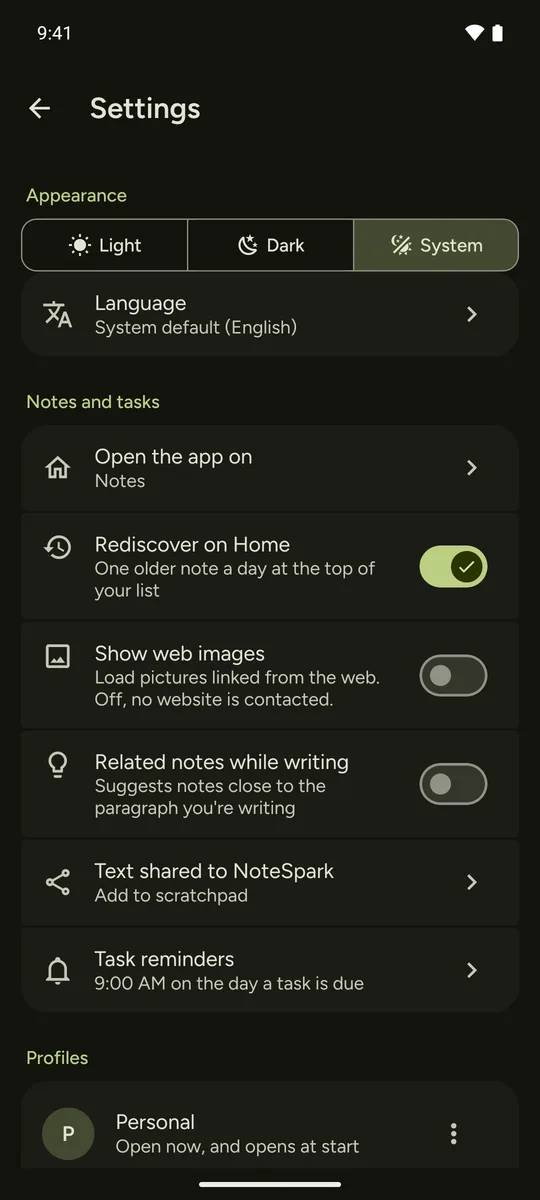
NoteSpark makes no network requests of its own. The one exception is an image from a web address you add to a note, and only if you turn on Show web images in Settings (off by default): on Android it's downloaded once and kept on your device. Optional sync between your own devices stays on your own network.